9s LOGIN
Stay Safe and Secure
The 9s sign-in framework prioritizes security and privacy, offering a secure and seamless entertainment experience for players in Pakistan. By leveraging state-of-the-art encryption and top-tier safeguards, it keeps personal data, financial activity, and gameplay safe. With robust authentication in place, 9s shields your account from unauthorized access, letting you enjoy your favorite games with full confidence.

A straightforward guide to
Getting started with 9s is easier than you may think. This brief guide leads you through the key steps to ensure smooth account access and immediate enjoyment on 9s.

Step 1: Search for the Official Website
Open your browser and type 9s.com.pk in the address bar to securely reach the official 9s homepage.

Step 2: Tap the Login Button
On the 9s site, locate the Sign In button at the top of the homepage and tap it to bring up the login window.
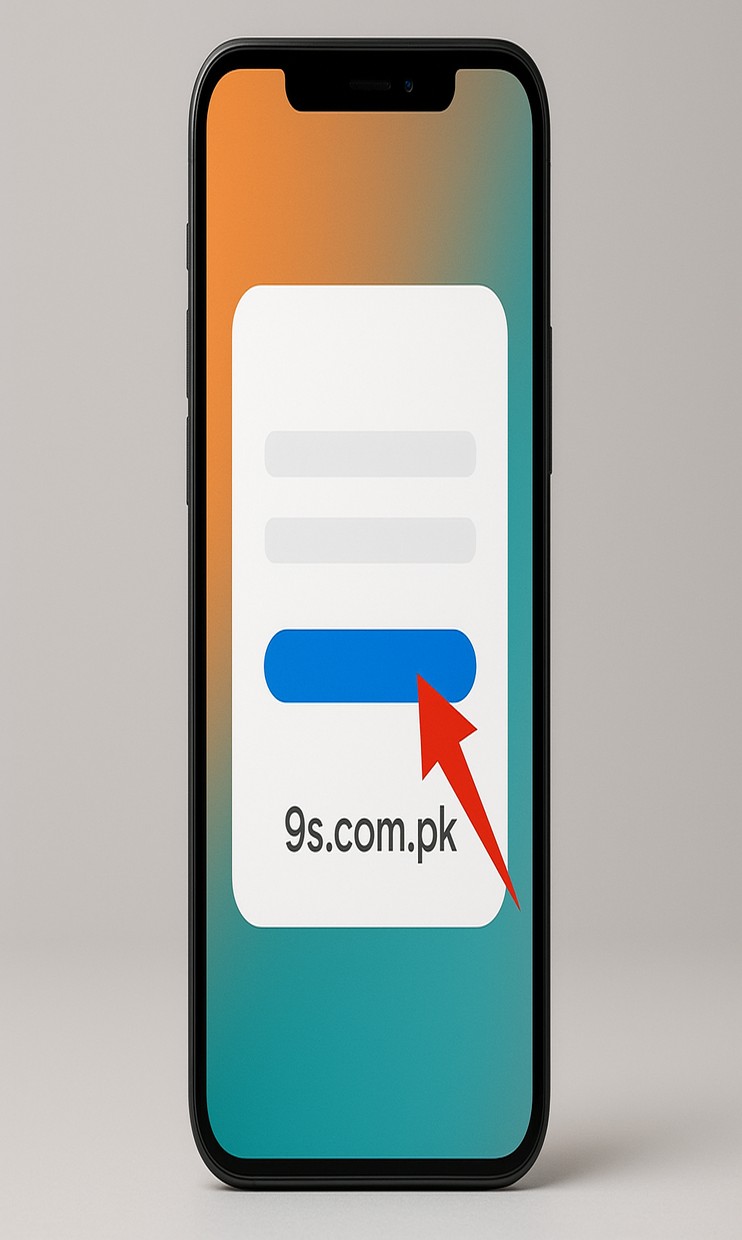
Step 3: Enter Your Account Details
Enter your phone number or account ID, followed by your 9s password. Once you’ve filled the fields, tap Sign In to access your 9s account.
Ways to sign in with 9s
Signing into 9s is straightforward, secure, and convenient. The platform provides four protected sign-in options for fast entry, all upheld by 9s’ leading security standards.
Username and Password Login
Usually you sign in using your registered username and password. This ensures fast access while safeguarding your account. For stronger security, select a robust, unique password as recommended by 9s.
One-Tap Login with Biometric Authentication
For quicker yet secure sign-ins, 9s supports biometric authentication using fingerprint or facial recognition on mobile devices. This removes the need to enter credentials and adds an extra shield against unauthorized access.
Social Media Login Integration
Users can connect their Facebook or Google accounts for one-click sign-in. This saves time and forms a seamless bridge between your gaming profile and social networks, ensuring easy access whenever you want with 9s.
Secure OTP Verification Login
To enhance security, 9s offers one-time password sign-ins via email or SMS. When activated, a unique temporary code is sent to your registered device to verify that the account owner is signing in. This feature helps prevent unauthorized access.
Unlock Exclusive Account Management
Signing in with 9s unlocks a suite of immersive game portal experiences and grants access to exclusive account-management tools crafted to enhance security, convenience, and your overall gaming experience. 9s

Seamless Multi-Device Sync
Signing in with 9s keeps your account synchronized across desktop, tablet, and mobile, allowing smooth switching without losing progress. Accessing from multiple devices ensures a seamless transition and immediate entry to your favorite games, maintaining uninterrupted enjoyment.
Advanced Security with Two-Factor
For 9s, protecting your account is essential, and two-factor authentication provides an additional safeguard. When enabled, a one-time password is sent via SMS or email, ensuring only the legitimate owner can sign in. This helps deter unauthorized access and boosts data privacy, letting players game with confidence.
Comprehensive Account Activity
9s provides a full account dashboard allowing players to view login history, transaction records, and gameplay activity in real time. This transparency helps users monitor activity, balances, and rewards with ease, delivering full visibility.
Personalized Gaming Preferences
With the 9s Sign In, players customize their entertainment experience through personal settings, favorite games, and exclusive reward programs. The system learns preferences and play patterns to deliver tailored offers, VIP perks, and invites to special events. 9s
9s gaming platform Login FAQ
Having trouble signing in to the 9s gaming platform? You’re not alone. If you’ve forgotten your password, your account is locked, or pages take long to load, sign-in issues can disrupt your gaming. The good news is most issues have straightforward fixes. This guide walks you through common sign-in challenges on the 9s gaming platform and provides quick solutions, so you can return to your favorite titles.
If you’re having trouble signing in to the 9s gaming platform, multiple factors could be involved. Here are typical causes and steps to resolve them.
- Incorrect Account Credentials: Double-check your username and password. Ensure Caps Lock is off and you’re using the email or phone number associated with your 9s account. If you’ve forgotten your password, tap Forgot Password to reset it.
- Unstable Internet Connection: A poor or unstable connection can lead to sign-in failures. Try a different Wi-Fi network or switch to mobile data to see if the issue persists on 9s.
- Account Temporarily Locked: If you’ve entered an incorrect password multiple times, 9s’ security system may temporarily lock your account for protection. Wait a few minutes and try again, or reset your password.
- System Maintenance: Occasionally, sign-in problems arise during scheduled maintenance. Check 9s’s official notices for the latest updates.
- Browser or App Issues: Clear the browser cache, update to the latest version of the 9s app, or try another browser to see if the issue resolves.
If you still cannot access your account, reach out to 9s customer support for further assistance.
Using the official 9s login link is crucial for safeguarding your account and accessing the platform securely. Here are the reasons:
- Protection Against Phishing: Phishers might craft fake login pages to steal credentials. The official 9s login link employs encryption to keep your login details safe.
- Advanced Security Protocols: The official portal utilizes advanced encryption and security measures to prevent unauthorized access to your account.
- Guaranteed Access to Promotions: Signing in through the official 9s site or app unlocks exclusive promotions, rewards, and VIP perks that may not be available via unofficial links.
- Reliable and Stable Connection: Untrusted third-party links can result in broken pages or unstable connections. The official link guarantees a smooth and uninterrupted gaming experience.
- Customer Support Assurance: If you run into sign-in issues, using the official link allows 9s’ support team to verify your account and assist you more efficiently.
- Visit the Official Website or Open the App: Navigate to the 9s homepage or open the app on your device. Ensure you’re running the latest version for the best possible experience.
- Click on the Login Button: Locate the Sign In button at the top-right corner of the site or app, and click it.
- Enter Your Credentials: Enter the registered email, phone number, and password in the required fields. Make sure all details align with your 9s account.
- Enable Biometric Authentication (Optional): If your device supports fingerprint or facial recognition, enable it for quicker and more secure sign-in.
- Confirm and Access Your Account: Once you’ve entered the details, press Sign In to access your account and begin playing.
If you experience sign-in issues, verify your internet connection is stable or reset your password as required.
To ensure secure access to the 9s gaming platform, review these key indicators before signing in:
- Secure HTTPS Connection: The URL should begin with https://, indicating an encrypted, secure connection.
- Authorized Domain Address: Verify that the URL you visit is the legitimate 9s gaming platform domain and avoid any suspicious or error-prone websites; this helps protect your account and ensures safe, reliable play on 9s in Pakistan.
- Padlock Indicator in the URL Bar: A padlock icon will appear in the browser's address bar, indicating a secure SSL-verified connection when accessing 9s from trusted networks in Pakistan.
- Avoid External Links: Do not click login links from unreliable sources, junk emails, or social media ads; always navigate directly to the official 9s site to sign in from Pakistan.
- Look for Official Announcements: If anything seems uncertain, visit the official 9s site or contact 9s Pakistan customer support to obtain the correct login URL for Pakistan users.